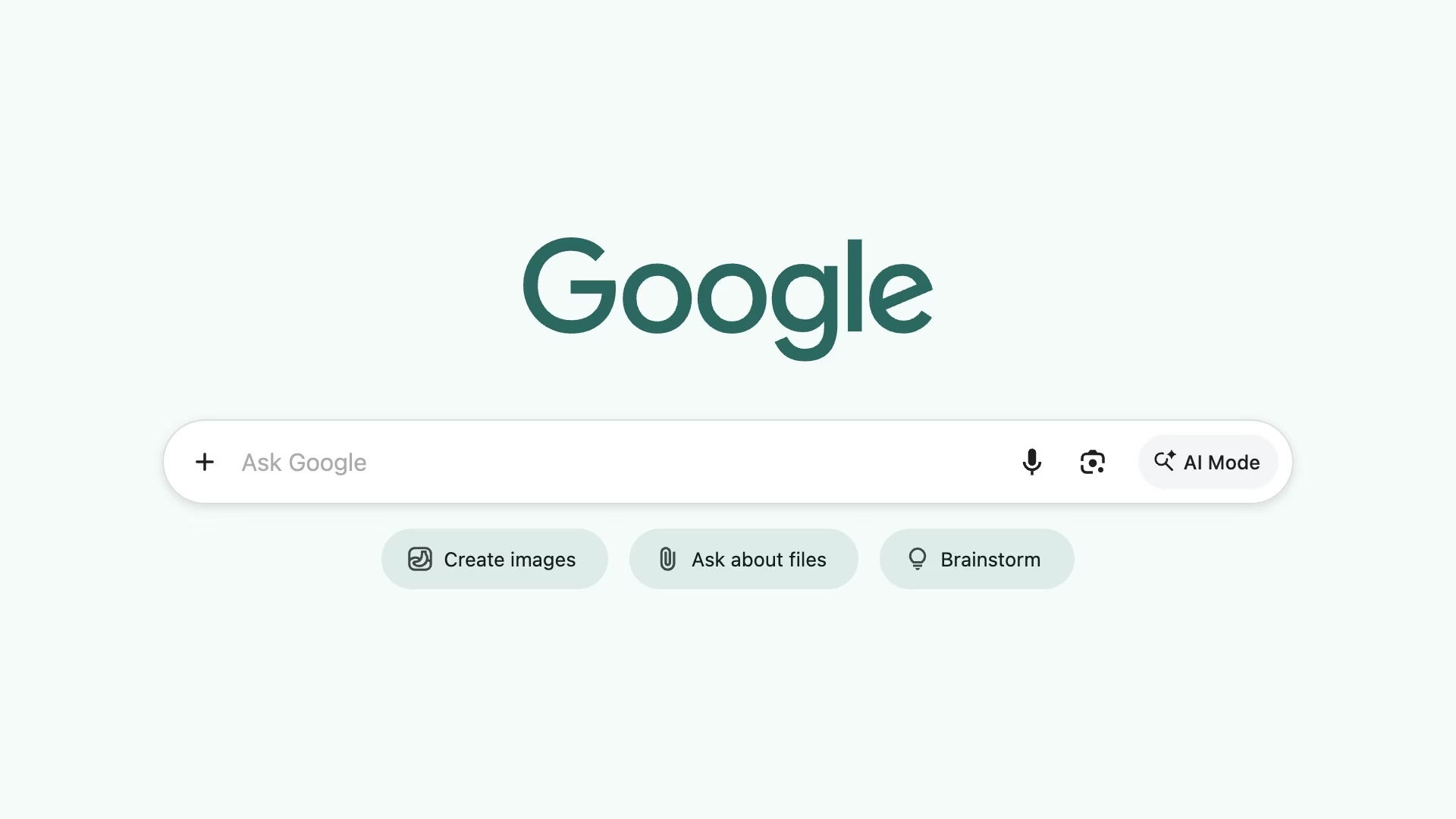
Google has removed the Google Search button from its desktop homepage for signed-in users and put three AI buttons in its place: “Create images”, “Ask about files” and “Brainstorm”. The “I'm Feeling Lucky” button stays. Google tested the buttons on signed-out users in August.
The homepage is also getting a collapsible sidebar that lists recent AI searches. Robby Stein, Google's vice president of product for Search, announced it in a post on X on 19 November.
“New on the Google desktop homepage globally: we're rolling out a collapsible sidebar to easily find & jump back into your recent AI searches,” Stein wrote.
“People are coming to Search with more questions that aren't just one and done,” he added.
The sidebar only appears in AI Mode and lists both AI and regular searches, Engadget reported.
What the buttons do
Alex Valdes saw the buttons on desktop while signed in, but not on mobile, he reported for CNET on 20 November. Signed out, the page looked as before. A TNW check from Spain on 23 November, signed out, still showed the Search button.
“Create images” opens Nano Banana, Google's image generator. “Ask about files” lets users upload a document for the AI to analyse, rewrite or answer questions about. “Brainstorm” asks users to describe a goal, such as a to-do list or finding a restaurant table.
Training and opt-outs
Google uses AI searches, including questions, uploaded files and generated images, to train its models, CNET reported. Users can turn this off under Data and Privacy, My Activity, Other activity, then Gemini Apps Activity.
Alphabet shares fell 12% last month after Google said AI Mode searches earn less than regular ones. Reddit now makes users log in as Google's AI search cuts its traffic.